
WebChatGPT
Supercharge ChatGPT, Gemini and Claude with In-depth search and 1-click prompts

Loved by 1.5M+ users
How it works
Add to browser
Easily add WebChatGPT to your browser.
Enable web access
Access real-time web data with ChatGPT, Gemini, and Claude.
Get smarter answers
Receive more accurate and comprehensive responses.
Key Features
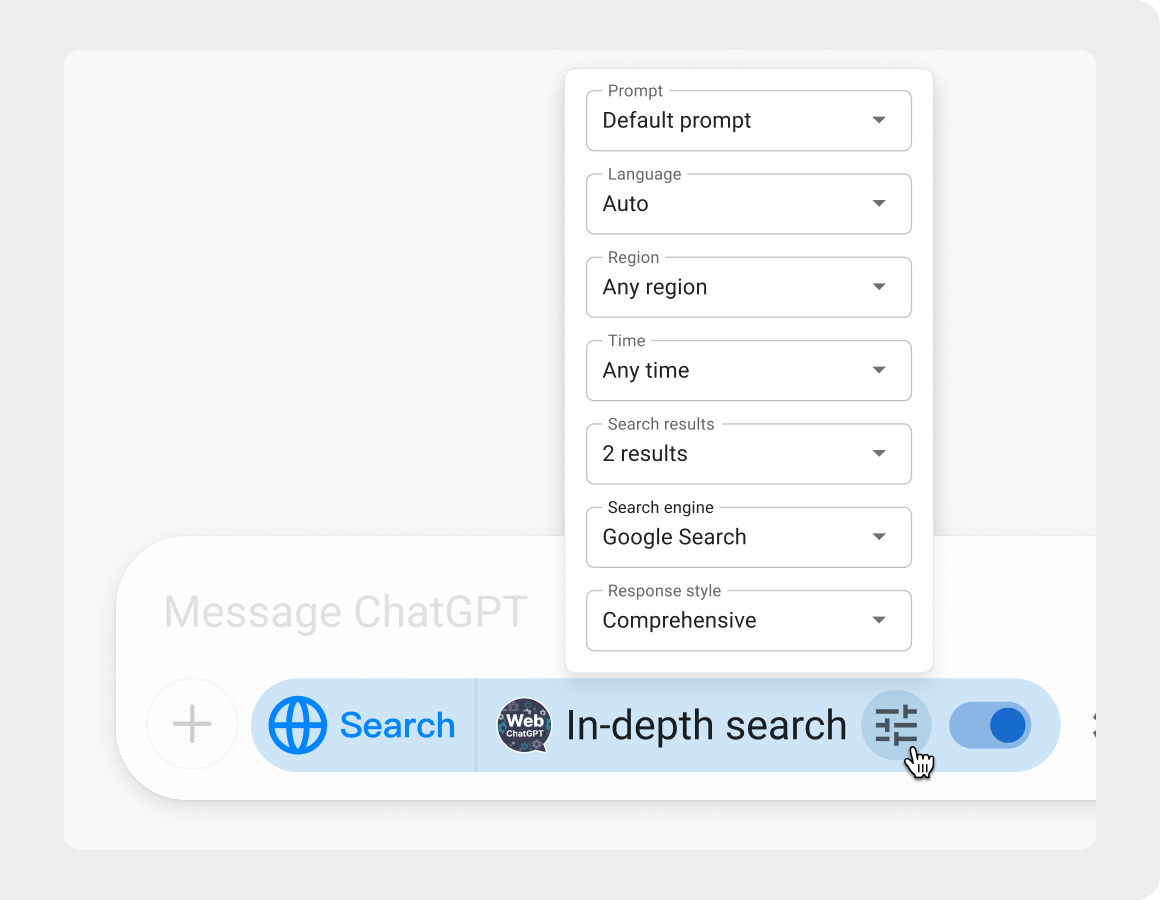
In-depth search
Real-time, customizable in-depth search.
More comprehensive responses with explanations and examples.
See the original source for every answer.
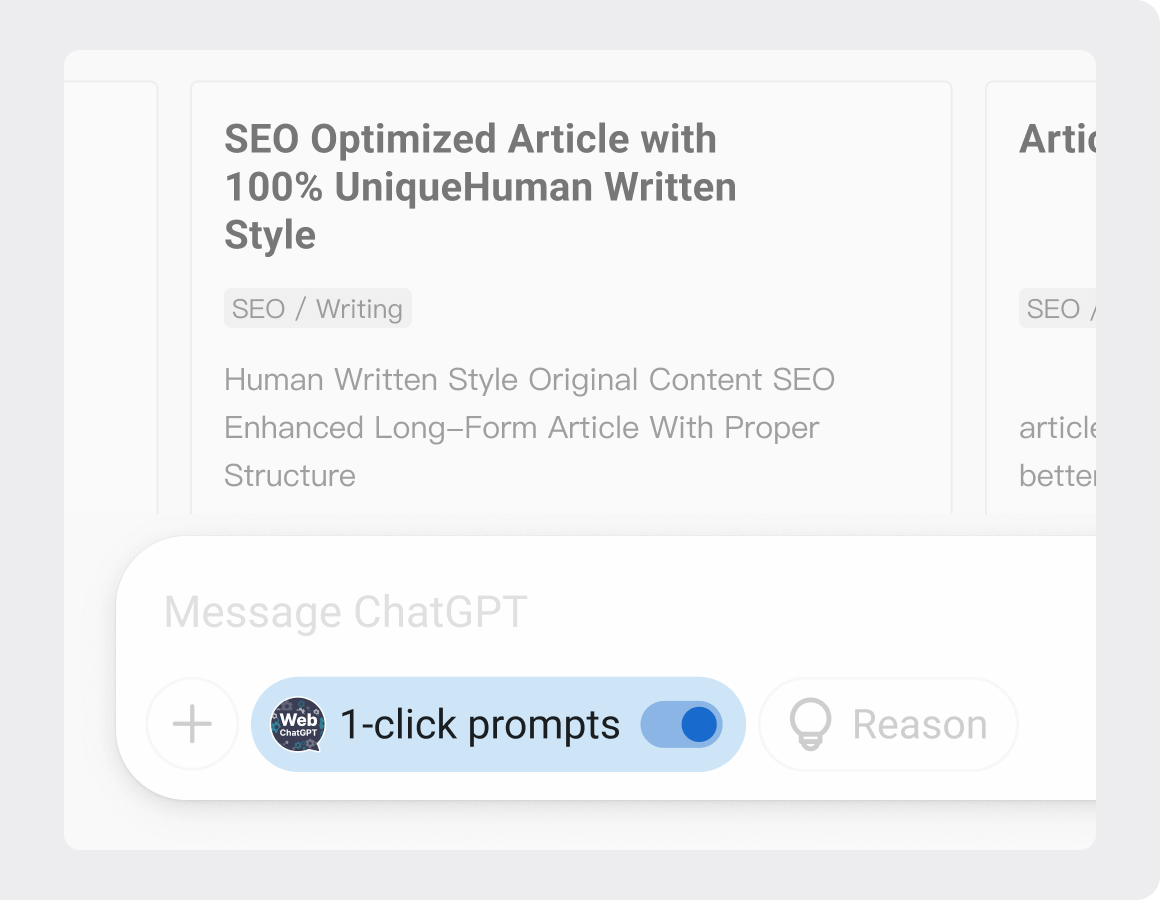
1-click prompts
Access 1-click prompt library for ChatGPT, Gemini, and Claude.
Run prompts that perform web searches and live crawling.
Manage your own prompts.
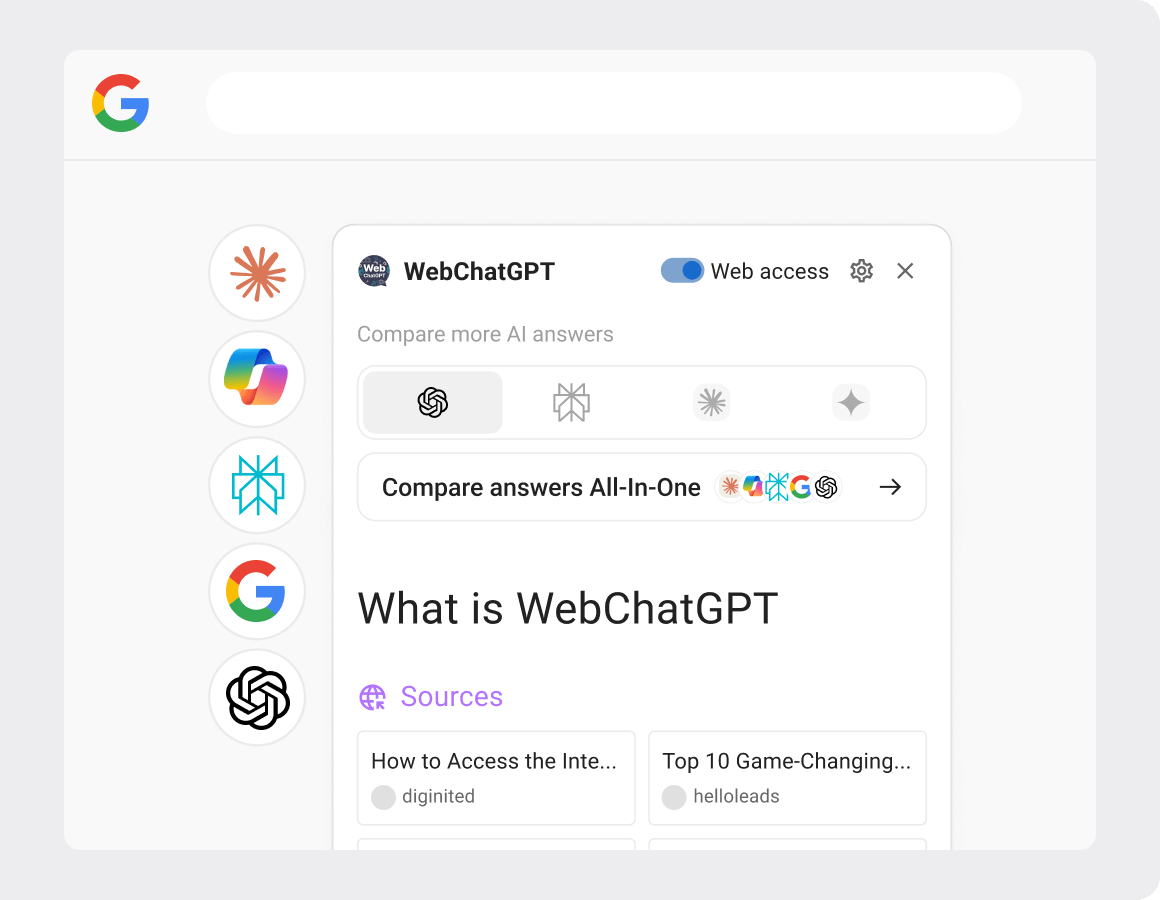
Search with AI
Get AI-powered search answers right beside your search results.
Powered by ChatGPT, Claude, Gemini, Bing AI.
Compatible with all popular search platforms.
Get started with WebChatGPT
Add to Chrome — It's freeFAQs
Which search engine does the extension use?
When you turn on Web Access, the extension uses the search engine on your computer (for example Google or Bing). It reads the title, snippet, and link of those search results so it can fill the official input box. We do not store those results on our servers.
Which websites does the extension need access to?
Website access is requested only for ChatGPT, Claude, Gemini, and the search engines we use, so the extension can provide Web Access and show its toolbar on those pages. We do not send search queries, search results, or conversations to servers we operate.
The extension does not work, the toolbar does not show up. What can I do?
The toolbar appears on the official ChatGPT, Claude, and Gemini pages. Some other ChatGPT extensions are known to interfere with WebChatGPT. If the toolbar does not show up, try disabling any other ChatGPT extensions and reloading the page. If you continue to have issues, contact hello@webchatgpt.app.
Can I use other search engines?
Web Access uses the search engine on your computer, for example Google or Bing.
Does it work on mobile?
No, the extension currently only works in Chromium-based browsers and is not supported on mobile devices.